I’ve been experimenting with AI coding assistants for a long time, but let’s be honest: the subscriptions add up, and there is always that nagging feeling in the back of your mind. Every single snippet of code you write is being beamed to a remote server you have zero control over. For personal side projects, maybe that’s fine. But for anything professional, sensitive, or enterprise-grade? That’s a complete dealbreaker.
I finally decided to stop paying for cloud-based AI tools and build my own local coding assistant right inside my editor. The goal was simple: it had to run entirely offline, it had to live inside VS Code, and it had to cost exactly $0 to maintain. After a ton of trial and error, I found the “gold” stack that actually works without friction.
The Local AI Stack: Ollama + Continue + Qwen
The entire setup relies on three specific tools that click together perfectly. No API keys, no monthly billing, and no complex networking required.
1. Ollama (The Engine)
If you aren’t using Ollama yet, you are missing out. It is a lightweight local runtime that abstracts away all the nightmare-inducing complexities of running Large Language Models (LLMs) locally. It handles hardware compatibility, VRAM allocation, and spinning up a local API on your machine. You just download the executable, run it, and you are good to go.
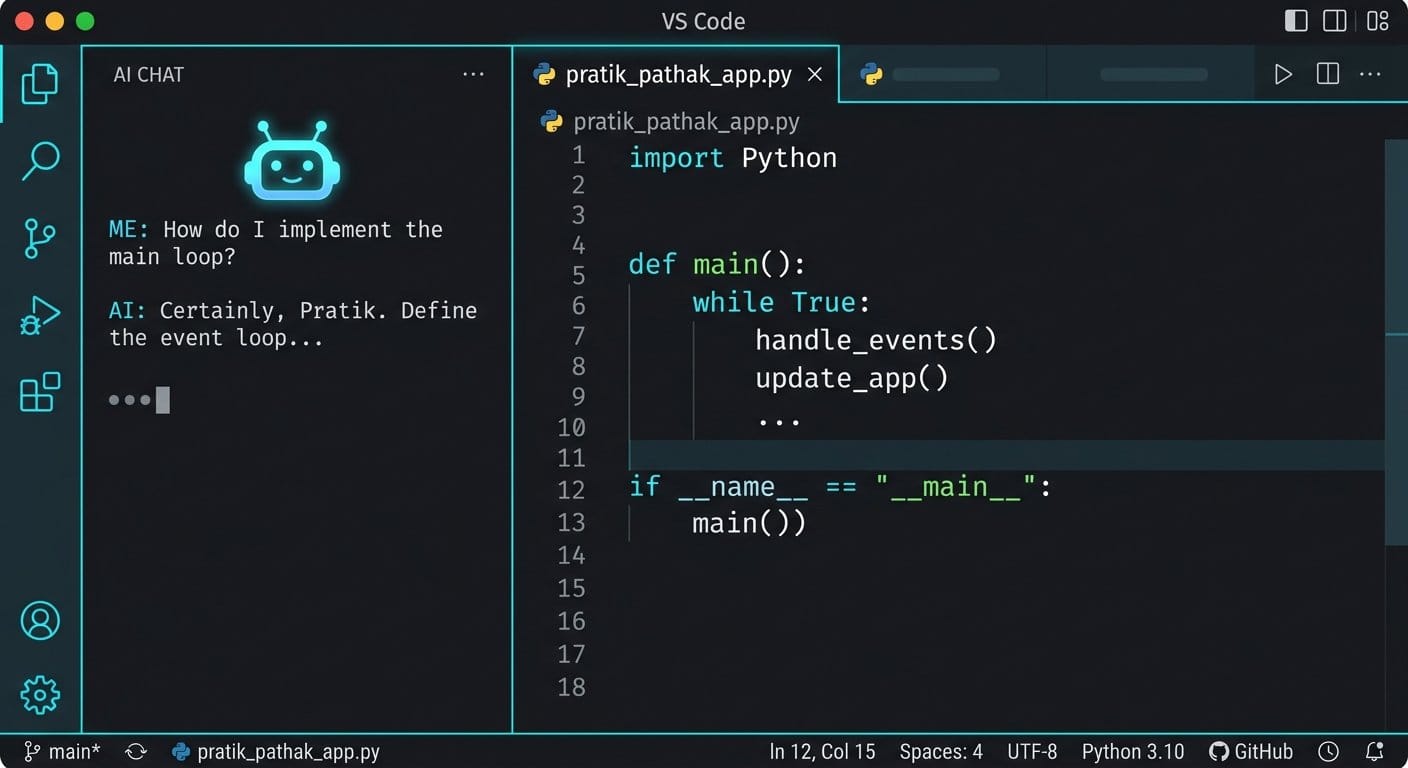
2. Continue.dev (The VS Code Extension)
Continue.dev is the bridge between your local AI engine and your editor. It is an open-source VS Code extension that hooks directly into Ollama. It gives you all the premium features you’d expect from a paid tool: inline autocomplete, a docked chat panel, code refactoring, and quick explanations—all natively inside VS Code.
3. Qwen2.5-Coder (The Brains)
This is where the magic happens. You don’t need a monster $2000 GPU to run capable AI models anymore. I found the absolute sweet spot with Alibaba’s Qwen2.5-Coder. The 7B version runs incredibly fast on just 8GB of VRAM, and the 32B model rivals GPT-4o on code generation benchmarks. It supports over 90 programming languages and is terrifyingly good at fixing broken syntax.
Note: If you have 16GB+ of VRAM, you should also experiment with DeepSeek-Coder-V2. Its reasoning capabilities are insane for building projects from scratch.
How to Set It Up in 3 Steps
The setup is surprisingly painless. You can go from zero to a fully functional AI assistant in a few minutes.
Step 1: Download the Model
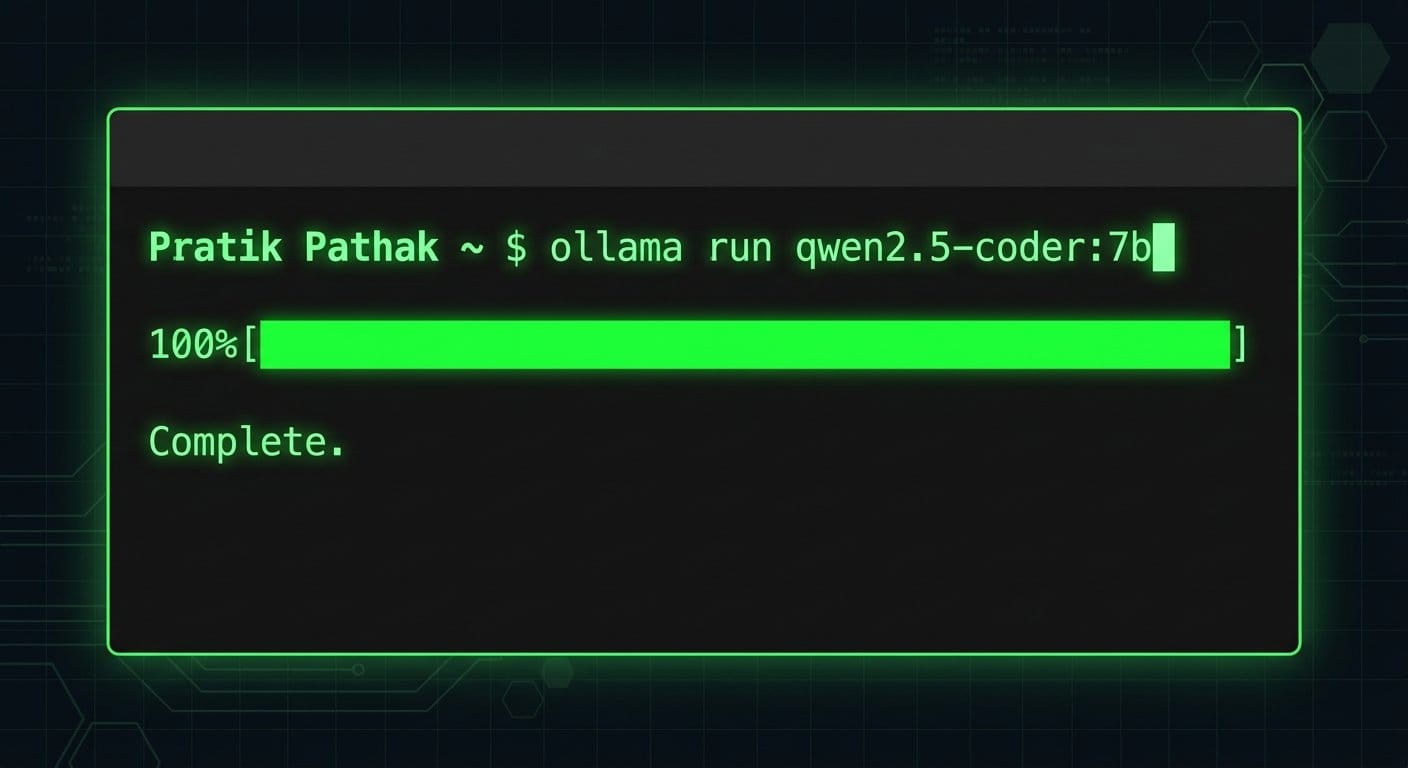
Install Ollama, open your terminal, and run the following command to pull the model and spin up the local server:
ollama run qwen2.5-coder:7bStep 2: Install Continue.dev
Open VS Code, head to the Extensions marketplace, and search for “Continue”. Install it and wait for the logo to appear in your sidebar.
Step 3: Configure the Extension
Click the gear icon inside the Continue extension panel to open its config.json. You just need to point it to your local Ollama instance using this simple configuration:
{
  "models": [
    {
      "title": "Qwen2.5-Coder",
      "provider": "ollama",
      "model": "qwen2.5-coder:7b",
      "apiBase": "http://127.0.0.1:11434"
    }
  ],
  "tabAutocompleteModel": {
    "title": "Qwen2.5-Coder",
    "provider": "ollama",
    "model": "qwen2.5-coder:7b",
    "apiBase": "http://127.0.0.1:11434"
  }
}
Final Thoughts: Better Flow, Zero Subscriptions
The difference is tangible. Because everything runs locally, there is absolutely zero latency waiting for a remote server to respond. The autocomplete feels snappier than any cloud tool I’ve used, and I don’t have to constantly break my flow state to context-switch into a browser window.
Most importantly, I have total peace of mind. Whether I’m auditing a client’s infrastructure or drafting experimental backend architecture, my code stays on my machine. If you’re tired of paying monthly fees or compromising on privacy, it’s time to bring your AI home.
Related Reading: Once you have your local environment set up, you might want to start building your own autonomous systems. Check out my guide on Building a Proactive Web-Scraping Agent.