
I was sitting in a design review last week, staring at a whiteboard covered in multi-agent workflows, and a terrifying thought crossed my mind: how on earth are we going to orchestrate all of this reliably in production? We developers get so obsessed with crafting the perfect prompts and tool use that we often forget about the underlying framework. Orchestrating multi-agent workflows is rapidly becoming the new frontier in AI development. As applications evolve from simple chat interfaces to complex, autonomous agents that can plan, execute, and collaborate, the framework you choose becomes your most critical architectural decision.
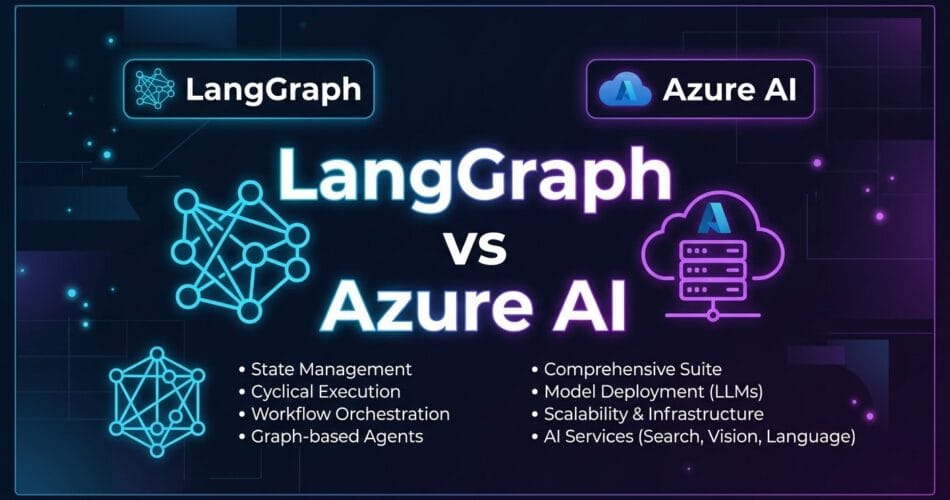
Two powerful contenders have emerged at the forefront of this space: LangGraph (by LangChain) and Azure AI Agents. Both offer robust solutions for building stateful, multi-agent applications, but they take fundamentally different approaches to architecture, deployment, and developer experience. Let’s figure out which one makes sense for your next enterprise build.
What is LangGraph?
LangGraph is an open-source library built on top of LangChain, designed specifically for creating stateful, multi-actor applications with LLMs. At its core, LangGraph models agent workflows as graphs. Nodes represent agents or functions, and edges represent the flow of data or control between them.
The Developer’s Playground
If you can write it in Python or TypeScript, you can model it in LangGraph. You have absolute control over the execution flow, state transitions, and tool integrations. Unlike standard Directed Acyclic Graphs (DAGs), LangGraph natively supports cyclic workflows. This is absolutely essential for agents that need to reflect, self-correct, or retry actions until a condition is met. Why did I decide to use LangGraph for a recent open-source project? Because it gave me granular control over the state checkpointing system, allowing me to pause, resume, or “time travel” through agent states.
What are Azure AI Agents?
Azure AI Agents (formerly part of the Azure OpenAI Assistant API features) represents Microsoft’s enterprise-grade, managed approach to building intelligent applications. It abstracts away much of the infrastructure complexity required to run multi-agent systems securely at scale.
The Managed Enterprise Engine
With Azure AI Agents, there is no need to provision custom state stores or handle checkpointing databases manually. Azure manages the underlying compute and state persistence, often backed securely by Cosmos DB or Azure Storage. The biggest selling point for me? Out-of-the-box compliance with enterprise standards, including Entra ID (Azure AD B2C) integration, private endpoints, and data residency guarantees.
It also features seamless Azure ecosystem integration. You get native connectivity to Azure OpenAI models, Azure AI Search for RAG pipelines, and Azure Monitor for telemetry without writing extensive glue code. The built-in threading simplifies conversational state management by providing managed threads, completely removing the headache of manual context window management.
Head-to-Head Architectural Comparison
Let’s look at how these two frameworks stack up across the most critical dimensions for engineering teams.
1. Developer Experience and Control
LangGraph is a developer’s playground. You define the exact state schema, write the reducer functions, and wire up the nodes manually. This gives you granular control but comes with a steeper learning curve and more boilerplate code.
from langgraph.graph import StateGraph, END
from typing import TypedDict

class AgentState(TypedDict):
    messages: list

workflow = StateGraph(AgentState)
workflow.add_node("agent", run_agent_model)
workflow.add_node("action", execute_tool)
workflow.set_entry_point("agent")
workflow.add_conditional_edges("agent", should_continue)
app = workflow.compile()
Azure AI Agents abstracts the graph away. You define instructions, equip the agent with tools (like Code Interpreter or Retrieval), and let the managed API handle the orchestration. It’s faster to market but less customizable if you need a highly specific, non-standard routing logic.
2. State Management and Memory
In LangGraph, state is a first-class citizen. You can use SQLite locally or PostgreSQL in production via LangGraph Cloud or custom deployments. You can easily inject human-in-the-loop steps to approve actions before they execute.
Azure AI Agents handles state opaquely via its managed Threads API. While incredibly convenient, you have less visibility into the raw state object at intermediate steps compared to LangGraph’s transparent checkpointing. However, for most conversational and task-oriented workflows, Azure’s managed memory is more than sufficient and entirely maintenance-free.
3. Deployment and Scalability
Deploying a LangGraph application into production requires setting up your own API layer (e.g., FastAPI), managing a state database, and handling worker scaling. Though LangSmith and LangGraph Cloud are changing this, it’s still a separate platform-as-a-service to manage.
Azure AI Agents is essentially serverless. You call the API, and Microsoft scales the underlying infrastructure. If your organization is already embedded in the Azure cloud, deploying Azure AI Agents is a natural extension of your existing architecture.
The Verdict: Which Should You Choose?
- You are building highly custom, complex cognitive architectures (e.g., hierarchical agent teams with non-standard reflection loops).
- You want zero vendor lock-in and prefer open-source Python or TypeScript solutions.
- You need deep, programmatic control over every step of the agent’s thought process.
- You are building enterprise applications where security, compliance, and data privacy are non-negotiable.
- You want to ship to production quickly without managing state databases or underlying compute infrastructure.
- Your tech stack is already heavily invested in Azure (Azure OpenAI, Cosmos DB, Entra ID).
Conclusion
Both LangGraph and Azure AI Agents are powerful tools, but they cater to different philosophies. LangGraph gives you the steering wheel, the engine, and the raw parts to build your own custom vehicle. Azure AI Agents gives you a managed, enterprise-ready fleet that gets you to your destination safely and securely. The best choice depends entirely on your team’s expertise, timeline, and security constraints. I’ve found myself using LangGraph for rapid prototyping and Azure AI Agents for production systems that handle PII. Let’s keep building and experimenting.
Related Reading: For more on architectural decisions in AI, check out my thoughts on Managing State in Multi-Agent Workflows and how to handle Silent Failures in Production AI Agents.