
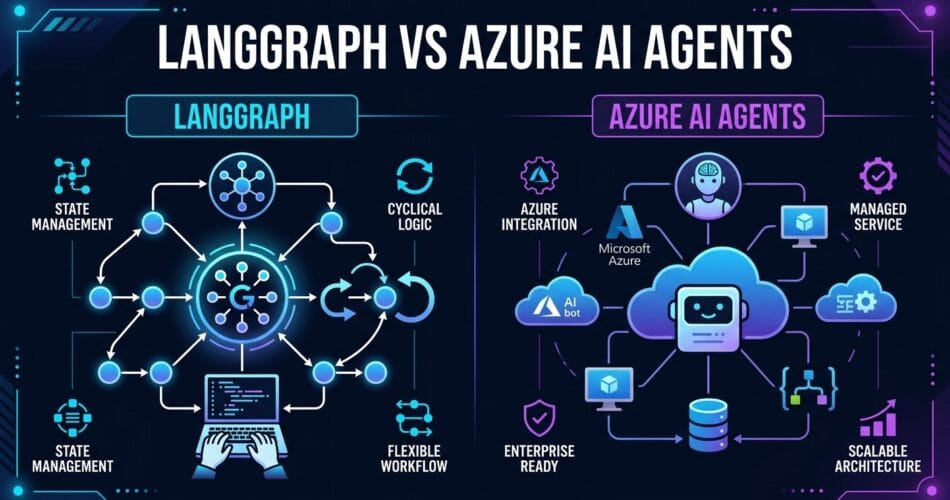
When you start building AI agents, it doesn’t take long to realize that a single prompt, no matter how clever, isn’t enough. Production systems require multi-agent workflows where specialized models handle routing, retrieval, execution, and synthesis. Over the past few months, I’ve spent considerable time exploring the orchestrator landscape, and two frameworks have emerged as the leading contenders: LangGraph and Azure AI Agents. Today, I want to dive deep into how they compare and when you should choose one over the other.
The Core Philosophies
Understanding the fundamental design philosophies of these tools is critical. They approach the problem of state and execution from entirely different angles.
LangGraph: Graphs as Code
LangGraph, built by the creators of LangChain, models agent workflows as cyclical graphs. You define nodes (functions) and edges (conditional routing logic) to represent state machines. The beauty of LangGraph is its explicitness. You have absolute control over the execution loop, meaning you can easily pause execution, wait for human-in-the-loop approval, and inspect the exact state at any given node.
Azure AI Agents: Managed Assistants
Azure AI Agents (which heavily mirrors the OpenAI Assistants API) abstracts away the execution loop. You create an assistant, give it instructions and tools, and attach it to a Thread. Azure manages the message history, tool calling context, and memory truncation behind the scenes. This allows you to focus on the prompt and the tool implementations rather than the underlying state machine.
Managing State in Multi-Agent Workflows
Let’s look at how state management differs between the two frameworks. In a multi-agent scenario, state is everything. How does Agent A pass context to Agent B?
With LangGraph, state is passed as a typed dictionary (often using Pydantic). Every node receives the current state, mutates it, and returns the update. This makes testing incredibly easy because you can mock the state and test nodes in isolation.
from typing import TypedDict, Annotated
import operator

class AgentState(TypedDict):
    messages: Annotated[list, operator.add]
    current_agent: str
    extracted_data: dict
Azure AI Agents, on the other hand, rely on the Thread object. When Agent A finishes its task, you typically pass the Thread ID to Agent B. Agent B then reads the history and continues the conversation. While simpler to implement, it means the state is inherently unstructured text rather than a rigid data schema.
Enterprise Readiness and Compliance
When moving from local scripts to production systems, non-functional requirements often dictate the architecture.
Azure AI Agents shine in strictly regulated environments. Because it’s a managed Azure service, you inherit Enterprise SLAs, regional data residency guarantees, role-based access control (RBAC), and integration with Azure Monitor. If your security team requires strict compliance boundaries, the Azure ecosystem provides a massive advantage.
LangGraph is fundamentally a Python library. While LangSmith (their commercial offering) provides excellent observability, the actual execution happens on your infrastructure. You have to handle the scaling, deployment (e.g., via Kubernetes or serverless containers), and security of the compute environment. This provides more flexibility but places the operational burden squarely on your DevOps team.
Which Framework Should You Choose?
The decision ultimately comes down to control versus convenience.
- Choose LangGraph if: You need absolute control over the routing logic, require strict type-checking between agents, need complex human-in-the-loop workflows, or want to avoid vendor lock-in with a specific cloud provider.
- Choose Azure AI Agents if: You are already embedded in the Azure ecosystem, want to offload state management and context window truncation, and need enterprise-grade compliance out of the box.
I’ve built production systems with both. For simpler routing tasks and standard RAG implementations, Azure’s managed approach saves a lot of boilerplate. But when the workflow becomes highly cyclical or requires deterministic state mutations, LangGraph’s “graphs as code” approach is unmatched. In my next post, we’ll build a live example comparing the exact code footprint required for both approaches.