
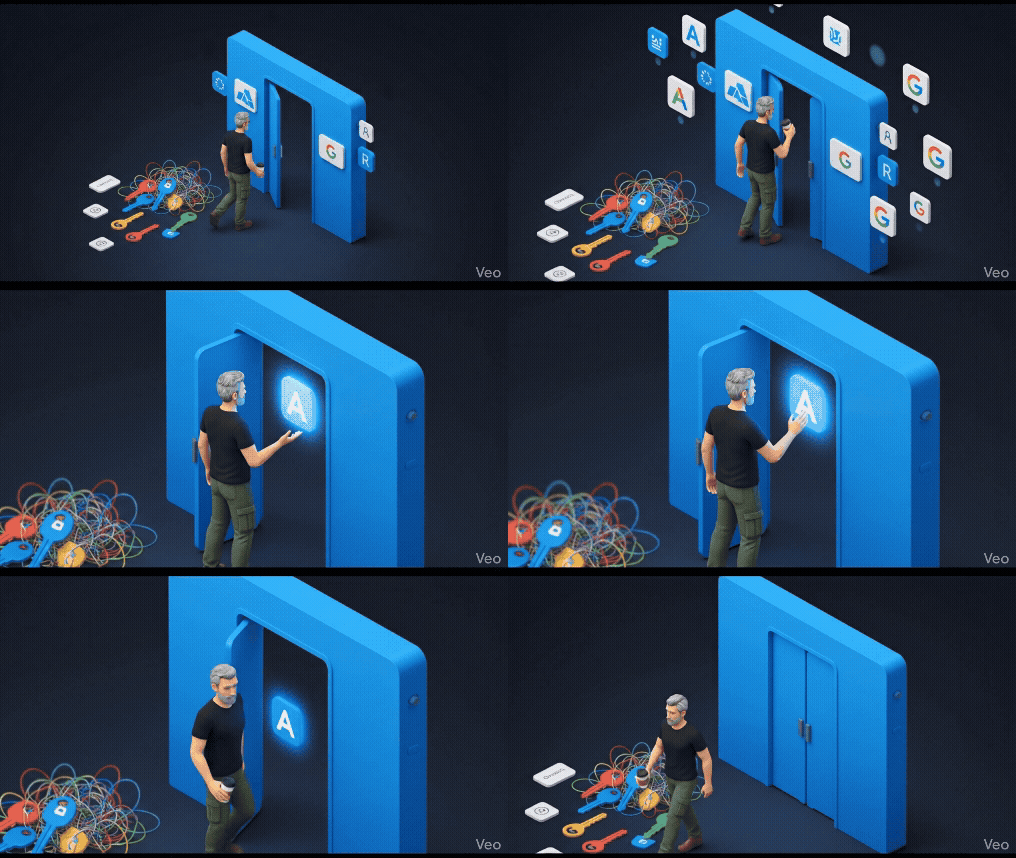
I need to have a conversation with myself about what happened last year. About why I ripped out months of Google Cloud AI integration work and moved everything to Azure OpenAI Service. And about the one feature that made that painful decision surprisingly easy.
Let me back up a bit.
The Google Cloud AI Chapter
I was all in on Google Cloud. Vertex AI, PaLM 2, the whole ecosystem. For a startup building AI-powered applications, Google seemed like the obvious choice. They invented the transformer architecture, after all. They had the research pedigree.
The initial integration was smooth enough. The APIs worked. The models were capable. We built features, shipped products, and things were moving.
Then the enterprise clients started calling.
When Enterprise Knocks
Our first big enterprise deal came with a 47-page security questionnaire. And that’s when things started to unravel.
“Where is our data processed?”
Well, it depends on which model and which region, and honestly, the documentation wasn’t always clear.
“Can we ensure data never leaves our geographic region?”
Technically yes, but the configuration was complex and the guarantees weren’t always explicit.
“How do you prevent the model from generating inappropriate content?”
We had built our own content filtering layer. It worked, mostly. But it was another thing we had to maintain, monitor, and explain to auditors.
“Can you connect this to our existing Azure Active Directory?”
That’s when I realized we had a problem.
The Authentication Nightmare
Our enterprise clients lived in Microsoft land. Azure AD for identity. Microsoft 365 for collaboration. Azure for their infrastructure. And here I was, trying to convince them that Google Cloud AI was the right choice.
Every integration became a bridge-building exercise. OAuth tokens here, service accounts there, custom middleware everywhere. We were spending more time on authentication plumbing than on actual AI features.
I kept telling myself it was fine. This is just what enterprise software looks like. Complexity is normal.
But it wasn’t fine.
The Discovery
I was at a conference, half-listening to a talk about Azure OpenAI Service, when something caught my attention.
“Native Azure AD integration. Private endpoints. Content filtering built in. Data never leaves your tenant.”
Wait, what?
I started digging. And what I found changed everything.
The Game-Changing Feature: Enterprise-Grade AI with Native Azure Integration
Here’s what Azure OpenAI Service offers that I couldn’t replicate with Google Cloud, no matter how much custom code I wrote:
Native Azure Active Directory Integration
This is the feature. The one that made me move everything.
With Azure OpenAI Service, authentication is just… Azure AD. The same identity system my enterprise clients already use. The same conditional access policies. The same security controls.
No more OAuth dance. No more service account juggling. No more explaining why we need a separate identity system for AI features.
from azure.identity import DefaultAzureCredential
from openai import AzureOpenAI

# That's it. That's the authentication.
credential = DefaultAzureCredential()
token = credential.get_token("https://cognitiveservices.azure.com/.default")

client = AzureOpenAI(
    azure_endpoint="https://my-resource.openai.azure.com/",
    azure_ad_token=token.token,
    api_version="2024-02-15-preview"
)
Compare that to the authentication wrapper code I had built for Google Cloud. The Azure version is maybe 10% of the complexity.
Private Endpoints and VNet Integration
Enterprise clients don’t want their data traveling over the public internet. With Azure OpenAI Service, I can deploy the endpoint inside a Virtual Network. The API calls never leave the private network.
This isn’t just a security checkbox. It’s a fundamental architecture difference. My clients’ data stays in their network. Full stop.
With Google Cloud, I was routing traffic through Cloud Armor, setting up VPC Service Controls, and still having conversations with security teams about data flow. With Azure, I show them the private endpoint configuration and the conversation is over.
Built-in Content Filtering
Remember that content filtering layer I mentioned? The one we built ourselves?
Azure OpenAI Service has content filtering built in. Not as an add-on. Not as a separate service. Built directly into the API.
The system automatically detects and filters:
- Hate speech and discrimination
- Violence and self-harm content
- Sexual content
- Jailbreak attempts
And here’s the beautiful part: it’s configurable. Enterprise clients can adjust the sensitivity levels based on their use case. A healthcare application might need different settings than a creative writing tool.
I deleted about 3,000 lines of content filtering code. Three thousand lines of regex patterns, ML classifiers, and edge case handling. Gone.
Regional Data Residency
“Can you guarantee our data stays in the EU?”
With Azure OpenAI Service: “Yes. The resource is deployed in West Europe. Data is processed in West Europe. Here’s the documentation.”
That conversation used to take weeks of back-and-forth with Google Cloud support, custom BAAs, and legal review. Now it takes five minutes.
Provisioned Throughput Units (PTUs)
For production workloads, Azure offers PTUs. You reserve capacity, you get guaranteed throughput, and your costs become predictable.
This matters more than you might think. Enterprise procurement teams want to know exactly what they’re paying. “It depends on usage” doesn’t fly in annual budget planning. PTUs give me a fixed monthly cost I can put in a contract.
My Migration Journey
Let me be honest: the migration wasn’t trivial. But it was easier than I expected.
Week 1-2: Proof of Concept
I picked our simplest AI feature and rebuilt it on Azure OpenAI Service. Same prompts, same logic, different backend. The results were identical. GPT-4 is GPT-4, regardless of which cloud serves it.
Week 3-4: Authentication Refactor
This was actually the biggest win. I ripped out our entire custom authentication layer and replaced it with Azure AD integration. The codebase got smaller. The security posture got better. The clients got happier.
Week 5-6: Enterprise Features
Private endpoints. Content filtering configuration. Diagnostic logging to Azure Monitor. All the enterprise features that used to require custom code were now just configuration.
Week 7-8: Production Cutover
We ran both systems in parallel for two weeks, comparing results and performance. Then we flipped the switch. No drama. No data loss. No angry clients.
The Real Results
Let me quantify what changed:
Passed Security Audits
Our next enterprise security assessment took half the time. The auditors understood Azure. They trusted Microsoft’s compliance certifications. We weren’t explaining custom authentication schemes anymore.
40% Cost Reduction
This surprised me. Between eliminating our content filtering infrastructure, simplifying our authentication layer, and using PTUs for predictable pricing, our total AI costs dropped significantly.
Faster Time-to-Production
New enterprise clients used to take 6-8 weeks to onboard, mostly spent on security review and custom integration. Now it’s 2-3 weeks. Same clients, same requirements, less friction.
Better Compliance Posture
Azure OpenAI Service is covered under Microsoft’s compliance certifications: SOC 2, ISO 27001, HIPAA BAA, GDPR. I’m not arguing about our custom implementation anymore. I’m pointing to Microsoft’s audit reports.
Is Azure OpenAI Perfect?
No. Let me be balanced here.
The model availability can lag behind OpenAI’s direct API. When a new model drops, Azure might be a few weeks behind. For cutting-edge research, that matters.
The pricing for low-volume usage isn’t always competitive. If you’re building a side project with minimal traffic, the pay-as-you-go rates might be higher than alternatives.
And if you’re not already in the Microsoft ecosystem, the Azure learning curve is real. I was lucky that my enterprise clients pulled me in that direction anyway.
Final Thoughts
I’m talking to myself here, processing a decision I made under pressure that turned out to be exactly right.
The feature that changed everything wasn’t a model capability. It wasn’t benchmark performance. It was enterprise integration done properly.
Azure OpenAI Service understood something Google Cloud didn’t: enterprise AI isn’t just about the models. It’s about how those models fit into existing security, identity, and compliance frameworks.
For anyone building AI applications for enterprise clients, struggling with the same authentication headaches and compliance conversations I was having, take a hard look at Azure OpenAI Service.
The grass isn’t just greener. It’s enterprise-grade green. And that makes all the difference.